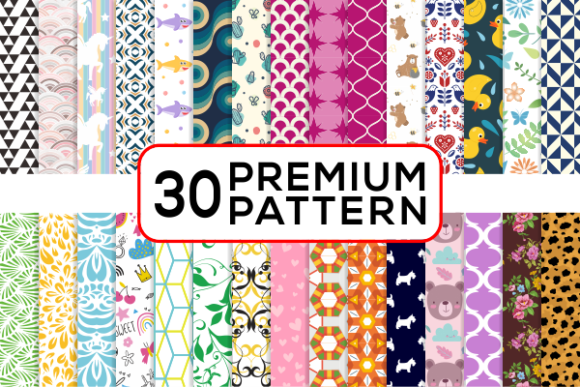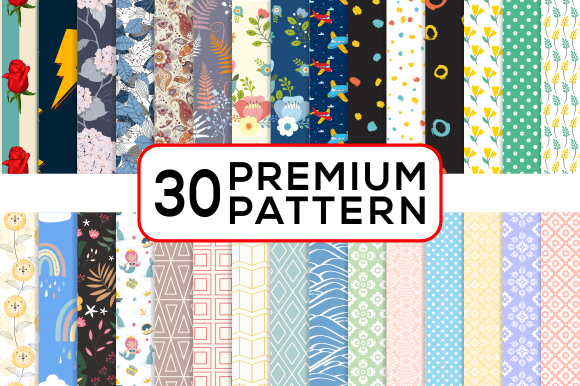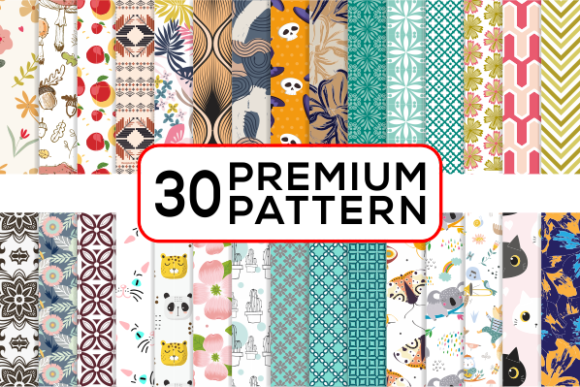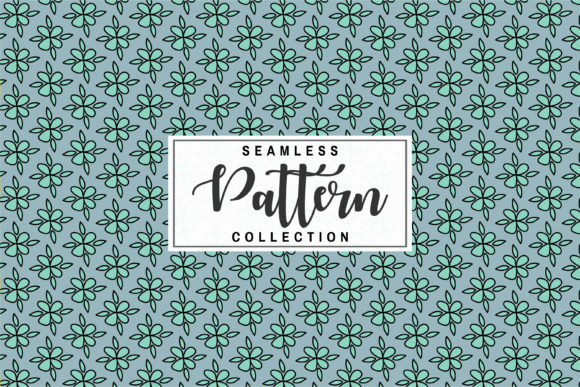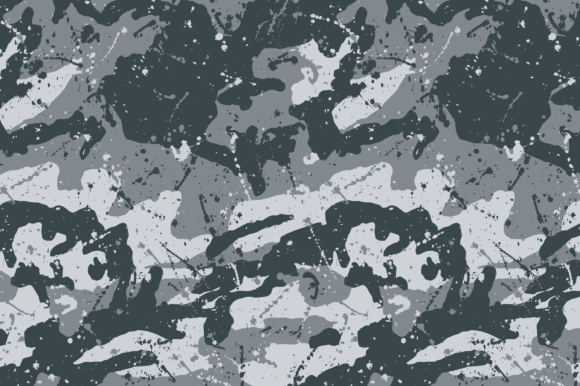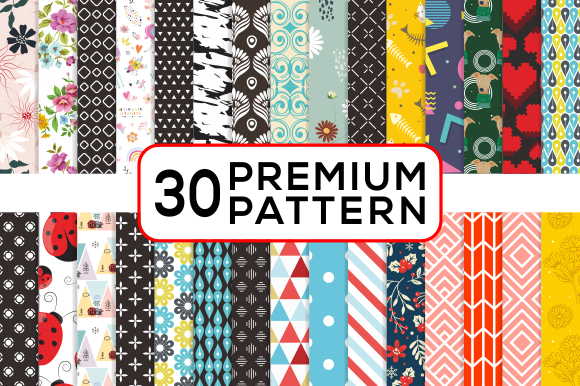
Premium Patterns Digital Paper for Creative Design
If you have ever spent hours searching for the perfect background texture or repeating pattern for a creative project, you already understand the value of a reliable design resource. Premium Patterns Digital Paper offers a ready-to-use collection of high-quality patterns that can save time, reduce frustration, and elevate the final look of almost any visual work. Whether you are a hobbyist making personalized gifts or a small business owner producing branded merchandise, having access to versatile, print-ready patterns opens up possibilities that would otherwise require extensive design skills or expensive software.
What Makes Premium Patterns Digital Paper a Practical Asset
At its core, this digital paper set is a curated library of seamless patterns designed to be applied across a wide range of surfaces and media. Each pattern is provided in multiple file formats, including Adobe Illustrator EPS, CS EPS, PNG, and high-resolution JPG at 300 dpi with 2000 pixel dimensions. This variety means you can work with the file type that best suits your workflow without needing to convert or compromise on quality. The patterns are created to repeat seamlessly, so they tile perfectly whether you use them as wallpaper for a website, as a wrap for a product, or as a background for a printed invitation.
Because the files are delivered in a single zip archive, you can download everything at once and immediately browse, select, and start using the patterns. The high resolution ensures that prints remain crisp and clear even at larger sizes, while the PNG format offers transparency support for layering in digital compositions. This combination of resolution, format choice, and seamless repetition makes the collection especially useful for anyone who needs consistent, professional-looking results without the guesswork.
The Value of Ready-to-Use Design Resources
Creating custom patterns from scratch is a time-intensive process that involves understanding alignment, color matching, and scaling. For many creators, that time is better spent on composition, layout, and finishing touches. Premium Patterns Digital Paper removes the burden of pattern creation and lets you focus on the bigger picture. It also provides a consistent visual language across multiple projects, which is particularly helpful if you are building a brand or producing a series of items that need to feel cohesive. Instead of reinventing the wheel every time you start a new design, you can rely on a trusted set of patterns that work together harmoniously.
Where and How You Can Use This Digital Paper Collection
The versatility of these patterns is one of their strongest selling points. Because the files are high resolution and provided in both vector and raster formats, they adapt to projects ranging from tiny nail wraps to large-format prints. Here are some of the most common and effective applications.
Invitations, Cards, and Paper Crafts
Printed stationery benefits enormously from a well-chosen background pattern. Whether you are designing wedding invitations, birthday cards, or thank-you notes, a subtle or bold pattern can set the tone without overwhelming the text. You can use the JPG files directly in word processing or desktop publishing software, or import the EPS files into Illustrator for more precise editing. The 300 dpi resolution ensures that fine details remain sharp when printed, and the seamless repeat means you can scale the pattern to fit any card size without visible seams or awkward cutoffs.
Merchandise and Product Design
Products like T-shirts, bottle caps, cell phone covers, and magnets all benefit from distinctive surface designs. With these patterns, you can wrap a phone case in a repeating geometric motif, add a subtle texture to a T-shirt graphic, or create a set of matching magnets that share a unified background. The vector EPS files are especially useful here because they can be scaled to fit different product dimensions without losing quality. This is a huge advantage if you sell on multiple platforms or offer different product sizes.
Digital and Web Design
Website backgrounds, social media graphics, and digital album pages often require patterns that load quickly and look consistent across devices. The PNG files with transparency are ideal for overlaying patterns on top of solid colors or images. You can use them as repeating backgrounds in CSS, as texture layers in photo editing software, or as decorative elements in digital scrapbooking. The high resolution also means they work well on retina displays and large monitors without appearing pixelated.
Jewelry, Nail Wraps, and Small Accessories
Small-scale applications like nail wraps and jewelry components demand precise, high-resolution patterns because even a tiny flaw becomes noticeable at close range. The 2000 pixel width at 300 dpi provides enough detail to keep patterns looking clean and intentional, even when printed at a small size. Designers who create custom nail art or resin jewelry will appreciate being able to drop in a ready-made pattern and adjust the scale without losing sharpness.
What to Consider Before Choosing a Digital Paper Set
Not all pattern collections are created equal, and a few key factors can make a big difference in how useful a set is for your specific needs. The file formats included in the zip archive are a good starting point. Premium Patterns Digital Paper covers the most common formats, so you can work in Adobe Illustrator, Photoshop, or even free alternatives like GIMP or Inkscape. However, if you rely exclusively on a specific mobile app or a very niche program, it is worth checking whether the EPS or PNG files will import correctly before committing to a purchase.
Resolution is another critical consideration. At 300 dpi and 2000 pixels, these patterns are suitable for most home and professional printing tasks. If you plan to print at extremely large sizes, such as posters or banners, you may need to scale the pattern up, which could introduce some softening. In practice, the seamless repeat allows you to tile the pattern across a large area, so you rarely need a single file to cover an entire billboard. For standard print products like cards, invitations, T-shirts, and phone cases, this resolution is more than adequate.
Licensing and Usage Rights
Before using any digital paper collection in commercial projects, it is wise to review the licensing terms. Some sets are restricted to personal use only, while others allow unlimited commercial applications. Premium Patterns Digital Paper is designed to support both creative and business needs, but you should always confirm that your intended use is covered, especially if you plan to sell products that incorporate the patterns. This is a straightforward step that prevents headaches later and ensures you can continue using the designs as your projects grow.
Practical Tips for Getting the Most Out of Your Patterns
Once you have downloaded the zip file and extracted the contents, take a few minutes to organize the files by format and pattern name. This simple step saves time when you are in the middle of a project and need to find a specific texture quickly. You can also create sample swatches in your design software to preview how patterns look at different scales and on different backgrounds.
Experiment with layering patterns over solid colors or combining them with other graphics. Because the patterns are seamless, you can stack multiple patterns in a single composition, adjusting opacity and blending modes to create unique hybrid textures. For beginners, starting with a single pattern on a plain background is the easiest way to get comfortable. As you gain confidence, you can mix patterns, add text, and incorporate your own illustrations for fully custom results.
Adapting Patterns for Different Products
A pattern that looks perfect on a website background may need resizing or recoloring to work well on a T-shirt or a bottle cap. The vector EPS files make this kind of adaptation straightforward. You can change colors to match a brand palette, rotate the pattern for a different visual flow, or scale it up so that individual motifs become the focal point rather than a subtle texture. The flexibility of having both vector and raster formats means you are not locked into any single look. You can treat the patterns as a starting point and modify them to fit the specific dimensions and aesthetic of each product.
Who Benefits Most from This Type of Resource
Beginners and casual creators often find that a high-quality pattern collection gives them confidence to try projects they might otherwise avoid. Instead of worrying about whether their background will look amateurish, they can rely on a professionally designed pattern that already looks polished. Freelancers and small business owners benefit from the efficiency of having a consistent design library that works across multiple client projects or product lines. Educators and bloggers can use the patterns to create visually engaging handouts, worksheets, or social media posts without spending hours on design details.
Even experienced designers appreciate the convenience of a well-organized pattern set for those times when a project needs a quick background or a subtle texture. Rather than interrupting a creative flow to build a pattern from scratch, you can reach for a ready-made option that matches the mood and style of the work. The collection becomes another tool in your creative toolkit, available whenever you need it.
Making the Most of the Included File Types
The zip file includes Adobe Illustrator CS EPS files, which are ideal for vector editing and scaling, as well as CS EPS files for broader compatibility. The PNG files provide a transparent background option for digital layering, and the high-resolution JPG files offer a quick, print-ready format that works in almost any software. Having all four formats means you can move between programs and workflows without needing to convert files or worry about quality loss. This is particularly helpful if you collaborate with others who use different software or if you switch between a desktop computer and a tablet.
Final Thoughts on Using Premium Patterns Digital Paper in Your Work
Digital paper collections are a practical investment for anyone who regularly works on visual projects. They reduce repetitive tasks, provide a consistent style, and allow you to produce professional results even if your design experience is limited. Premium Patterns Digital Paper stands out because of its high resolution, multiple file formats, and seamless repeat quality. Whether you are designing wedding invitations, creating merchandise for a small business, decorating a digital album, or crafting custom jewelry, having a reliable set of patterns on hand makes the process smoother and the outcome more polished.
Take some time to explore the patterns, test them in different applications, and see how they change the feel of your work. You might discover new ways to use them that you had not considered, and that exploration is part of what makes creative work so rewarding. With the right resources, every project becomes a little easier and a lot more enjoyable.